QR code business cards: keep your details up to date
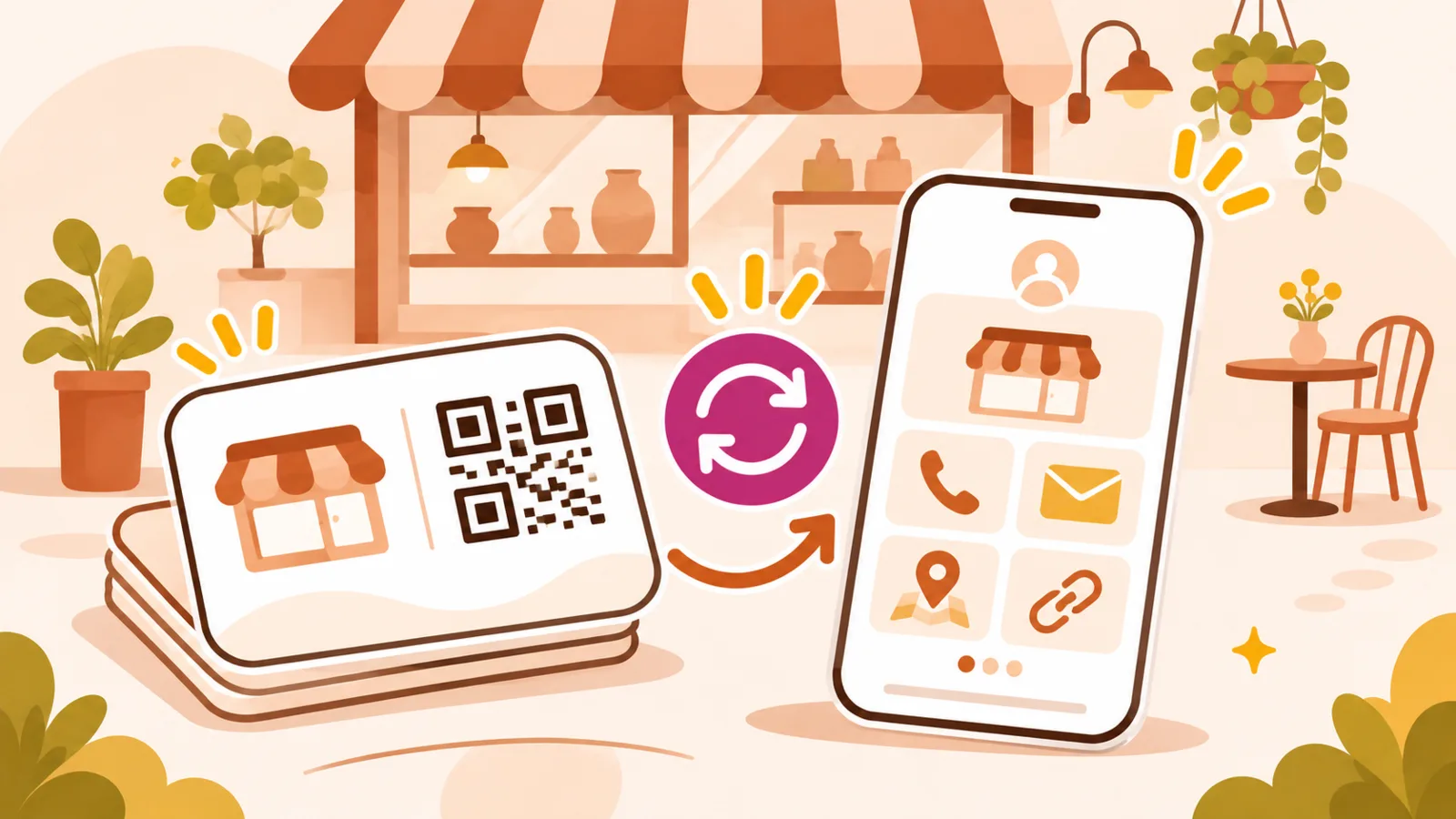
Printed business cards still have a purpose: you hand them over after a conversation, and they help someone remember you. The problem is that phone numbers, services and booking links may change. A QR code can complement the printed details by opening a page you maintain over time.
Do not make scanning the only option
Print your name and at least one readable contact method on the card itself. Some people have poor reception, cannot scan or simply prefer calling. The code should add convenience, not make the card useless without a phone.
Point to a stable destination
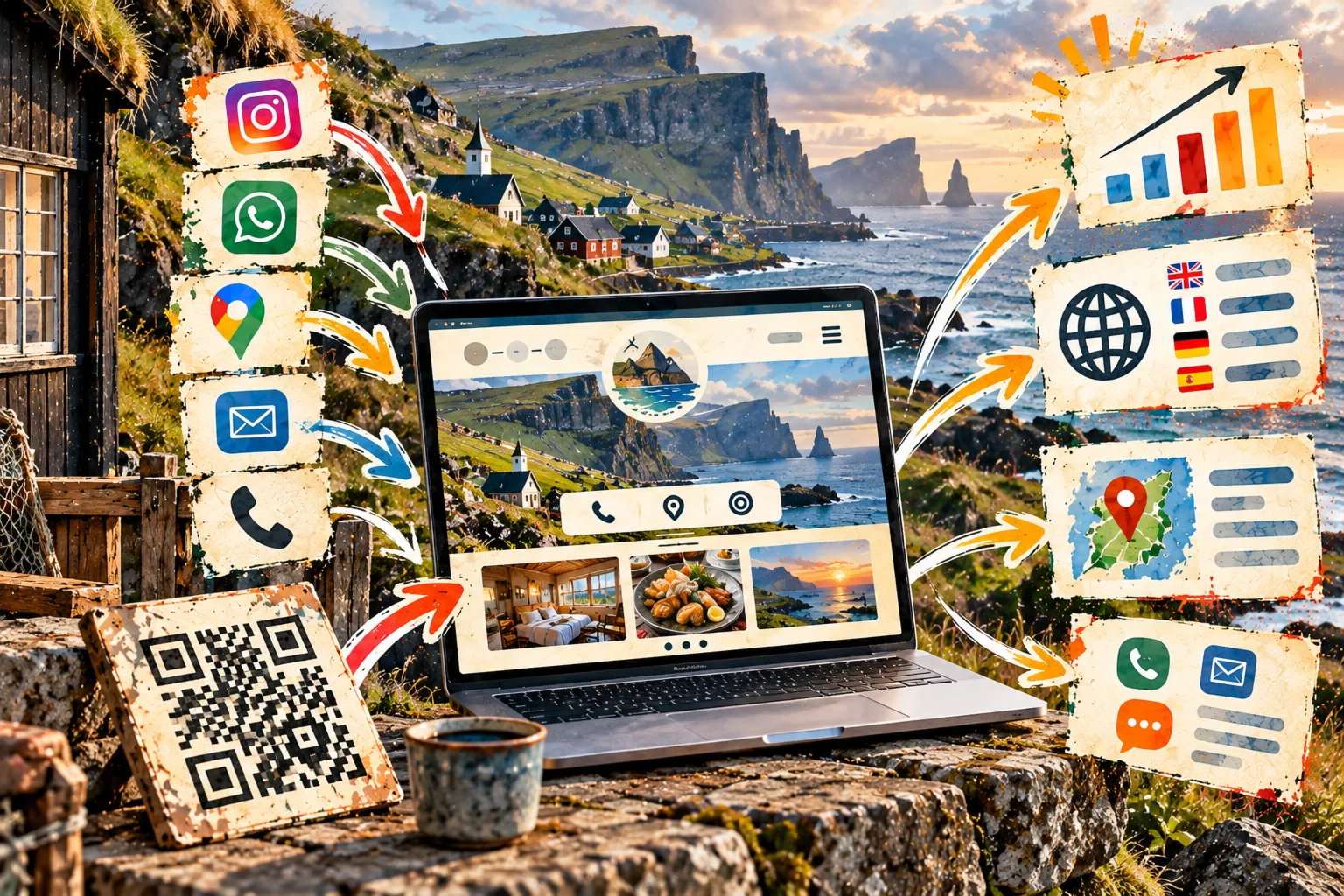
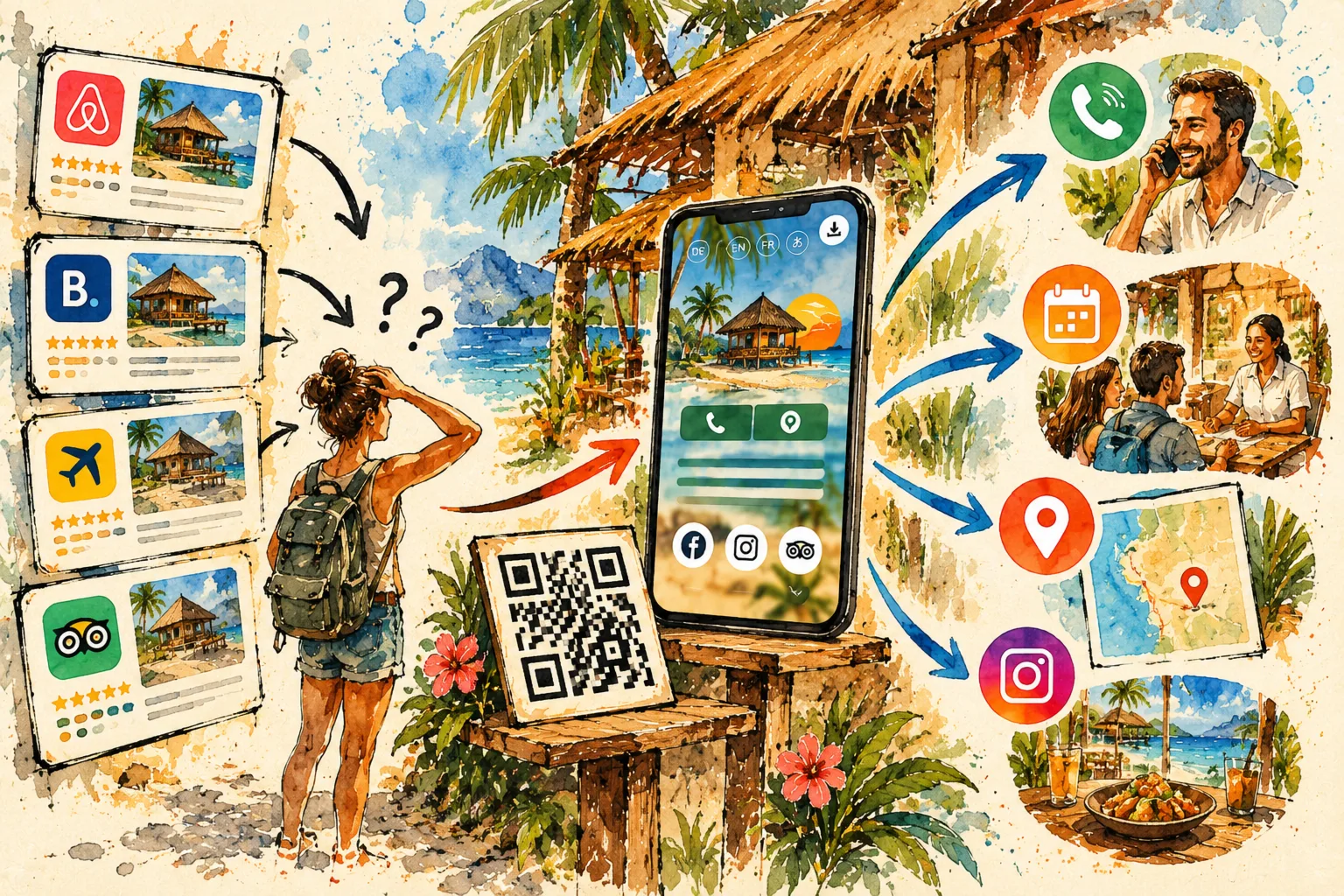
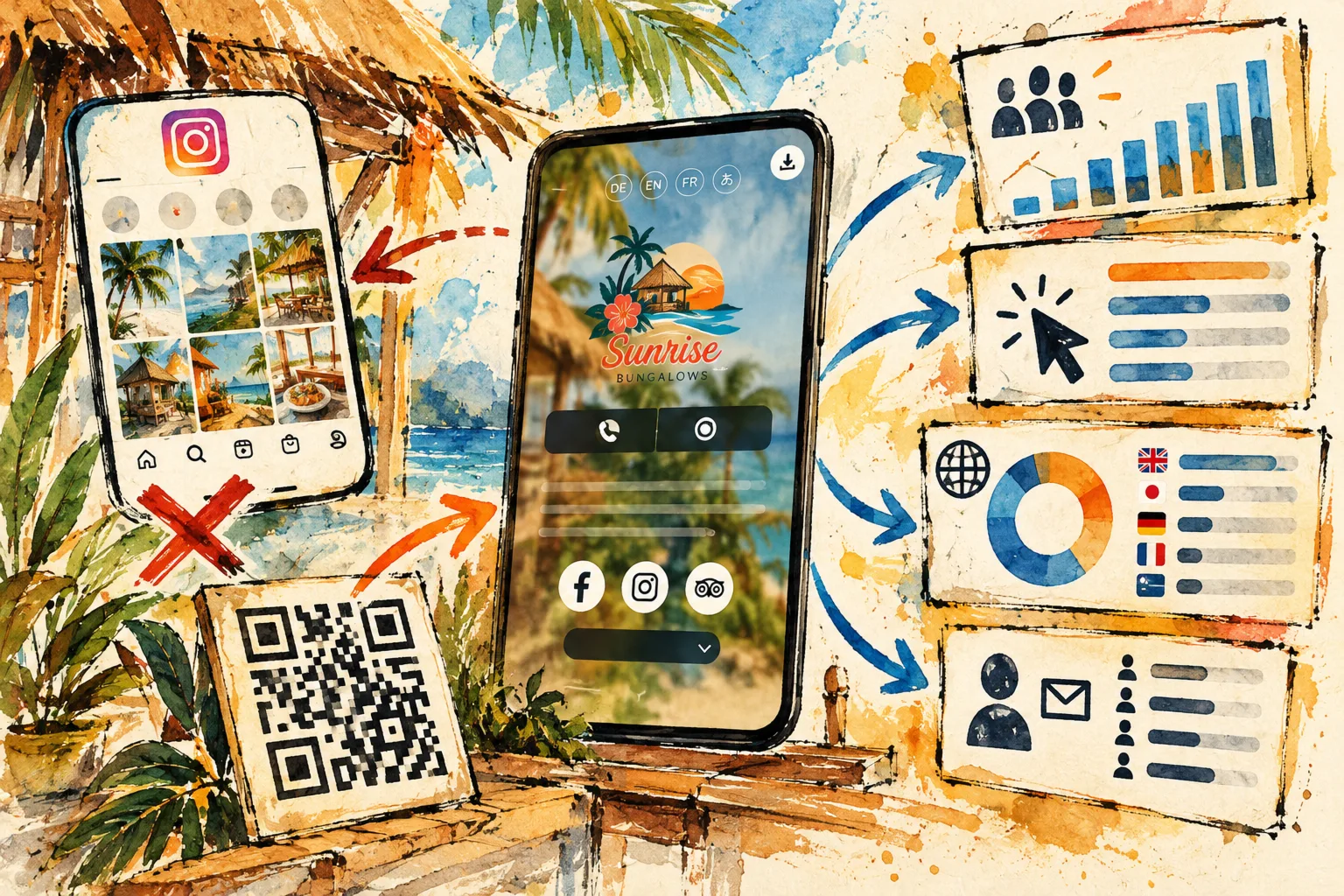
A direct QR code to a third-party platform may become inconvenient when you switch providers. A stable business page can lead to your contact details, appointment tool and profiles. You then update its links without reprinting the QR, provided the page address stays the same.
Tell people why to scan
Place a short label beside the code: “Save my details”, “See my work” or “Book an appointment”. People should know what to expect. An unexplained QR code is easy to ignore, particularly on a card with limited space.
Design and test the printed code
Keep clear space around it, strong contrast and a practical size. Print a sample, then scan from different distances with different phones. Check that the destination loads quickly and that the key action is visible on mobile.
Keep the page relevant to the recipient
A tradesperson might highlight projects and quote requests; a consultant could prioritise services and contact; a restaurant could show its menu and bookings. Avoid adding every social profile if it distracts from the next step.
Before ordering a batch
- Readable name and contact printed on the card.
- QR tested on an actual proof.
- Page accessible without signing in.
- Current details and working links.
- Links can be updated later.
A card with a QR code works best when it remains useful well after the first meeting. Explore a simple page for your business details.