How to create a free web page for your small business
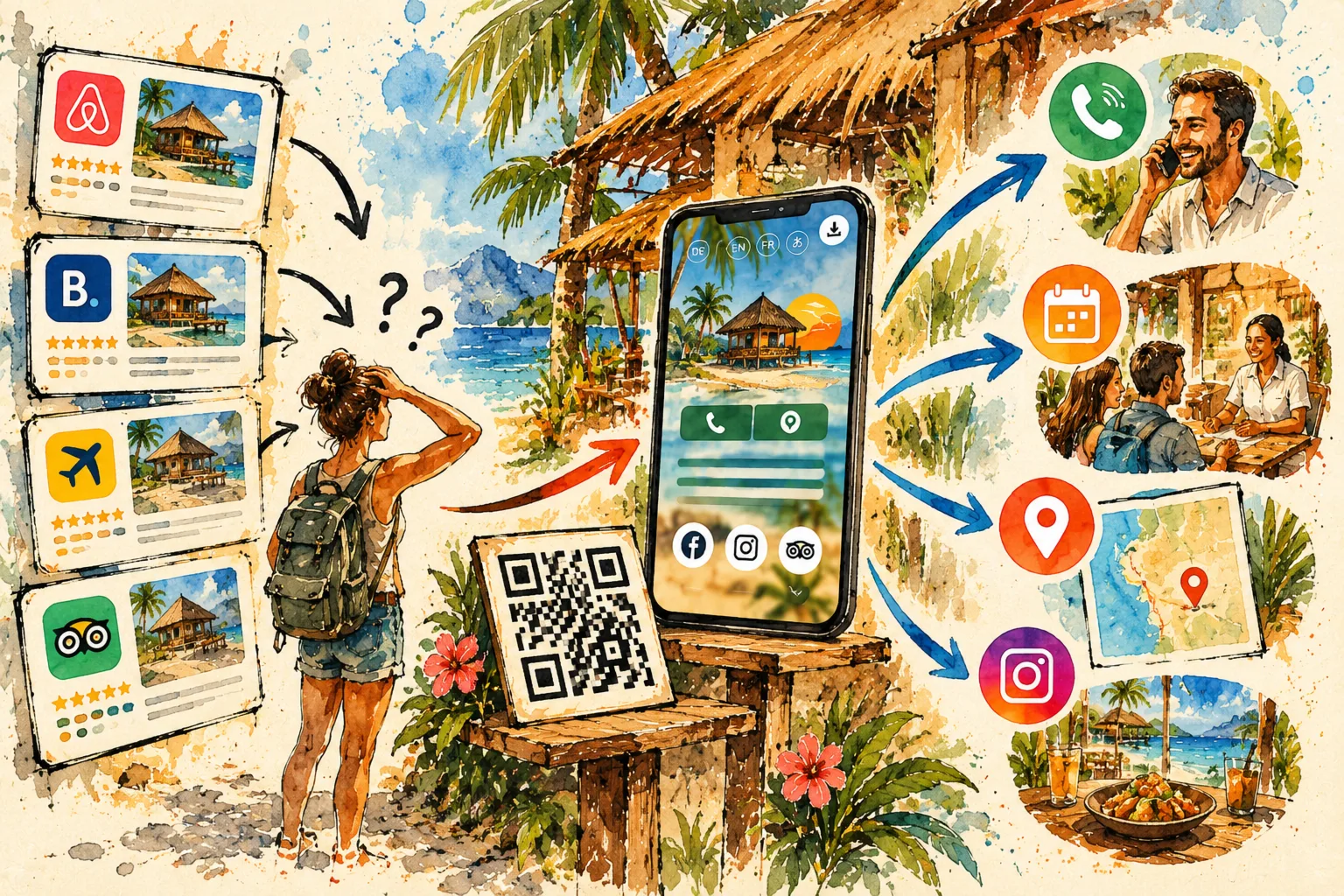
Getting your business online does not have to mean launching an expensive, complicated website. A well-organized page can answer the questions customers ask first: what do you offer, where are you, and how can they reach you? The goal is not to fill a page with features. It is to help someone move from discovering your business to taking the next step.
1. Start with the information customers actually need
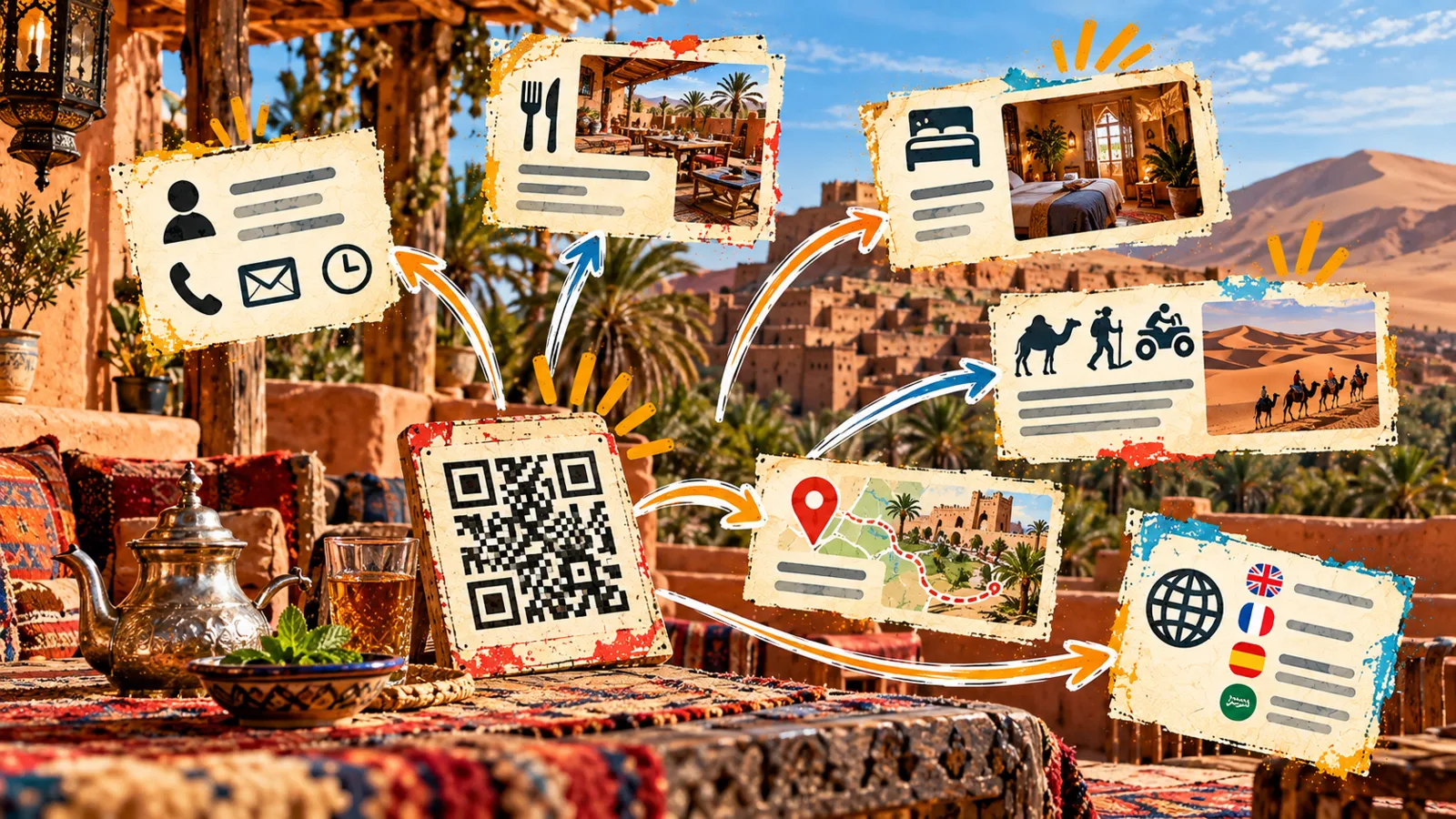
Write down your business name, a short description, your main services, opening hours and contact methods. Add a genuine photo and links to a menu, price list or booking tool when relevant. Put important actions near the top. Most customers will arrive from a phone, possibly while travelling or standing outside your shop, so clarity matters more than clever effects.
2. Choose the right level of complexity
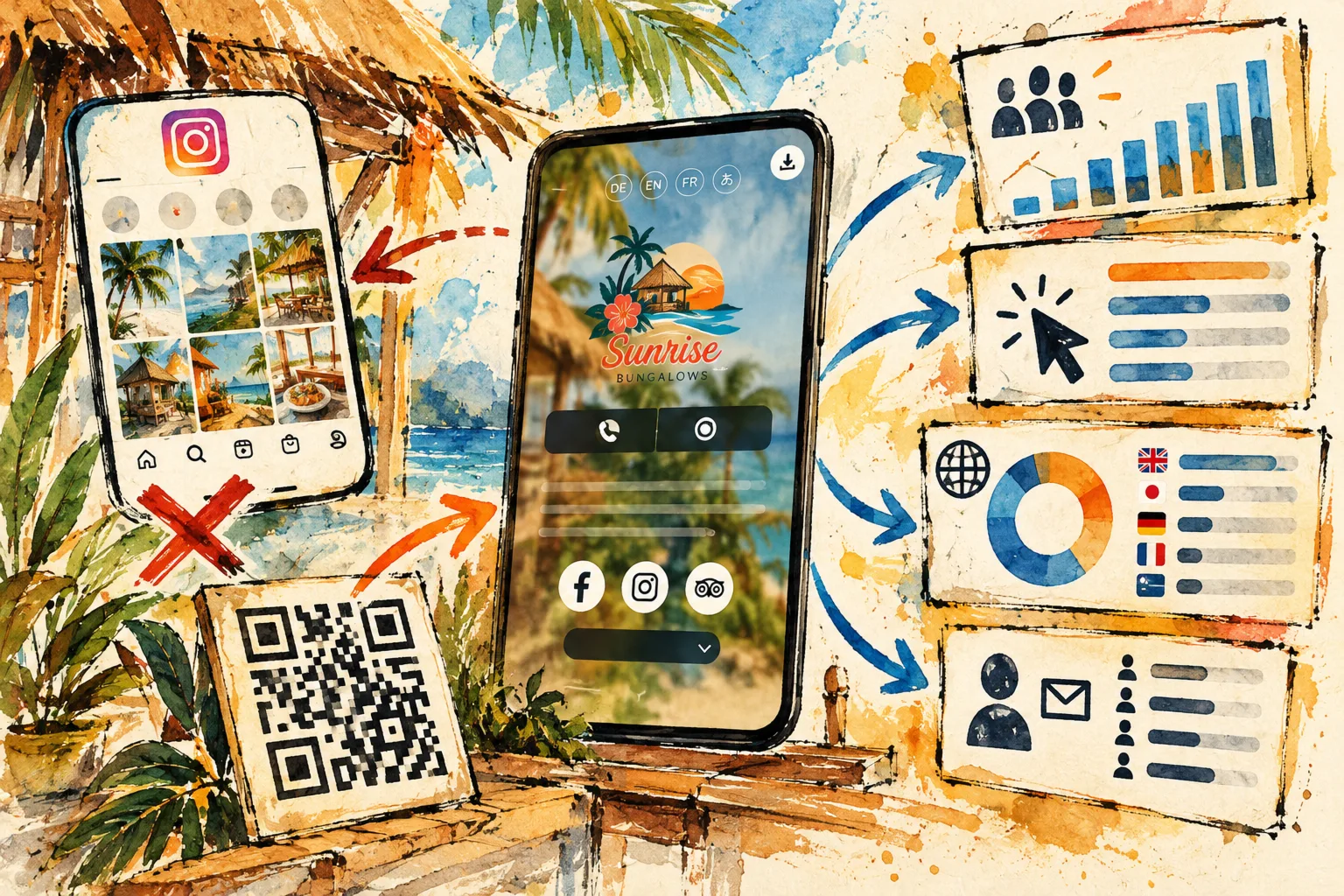
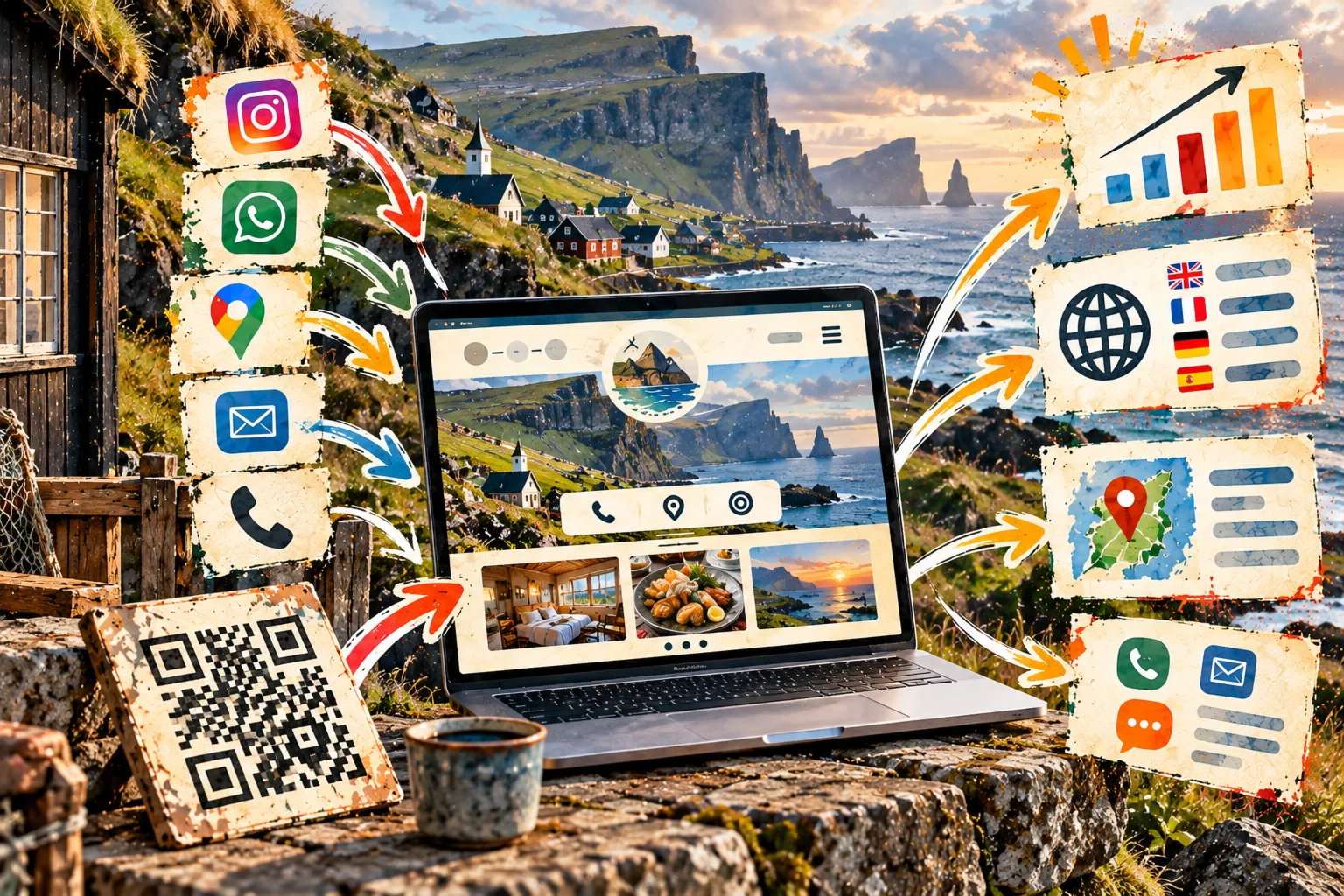
A full website makes sense for large catalogues, detailed editorial content or special online transactions. A mini-site focuses on essential information and a few useful actions. It is a practical first step for a restaurant, independent professional or activity provider who wants an online home without maintaining dozens of pages. You can expand later if customer needs justify it.
3. Understand what “free” includes
Free plans have different limits. Check link counts, video support, available languages and any restrictions on customisation. QLII's permanent Free plan allows up to five links, but it does not include videos or translations. More advanced needs may require a paid plan. Read the conditions before printing a QR code or relying on a particular feature.
4. Make the page reliable
Use the name people know, accurate descriptions and current contact details. Test every link on your own phone and another device. If you change your booking service, opening times or phone number, update the page right away. An accurate one-page presence often helps more than an impressive website that nobody maintains.
Before you share it
- Clear business name and description.
- Verified opening hours and contact details.
- Mobile-friendly working links.
- A useful image you have permission to publish.
- One obvious next action: contact, book or request a quote.
Keep improving
Share the page in social profiles, email signatures and printed material. Explore a simple web presence for small businesses. Then pay attention to questions customers still ask: they tell you what the page should explain next.