Give travellers the information they need to picture their trip
Someone discovering a region may not know the distances, access points or departure locations. To present an excursion online, describe what your shuttle service includes and what travellers will need to arrange themselves.
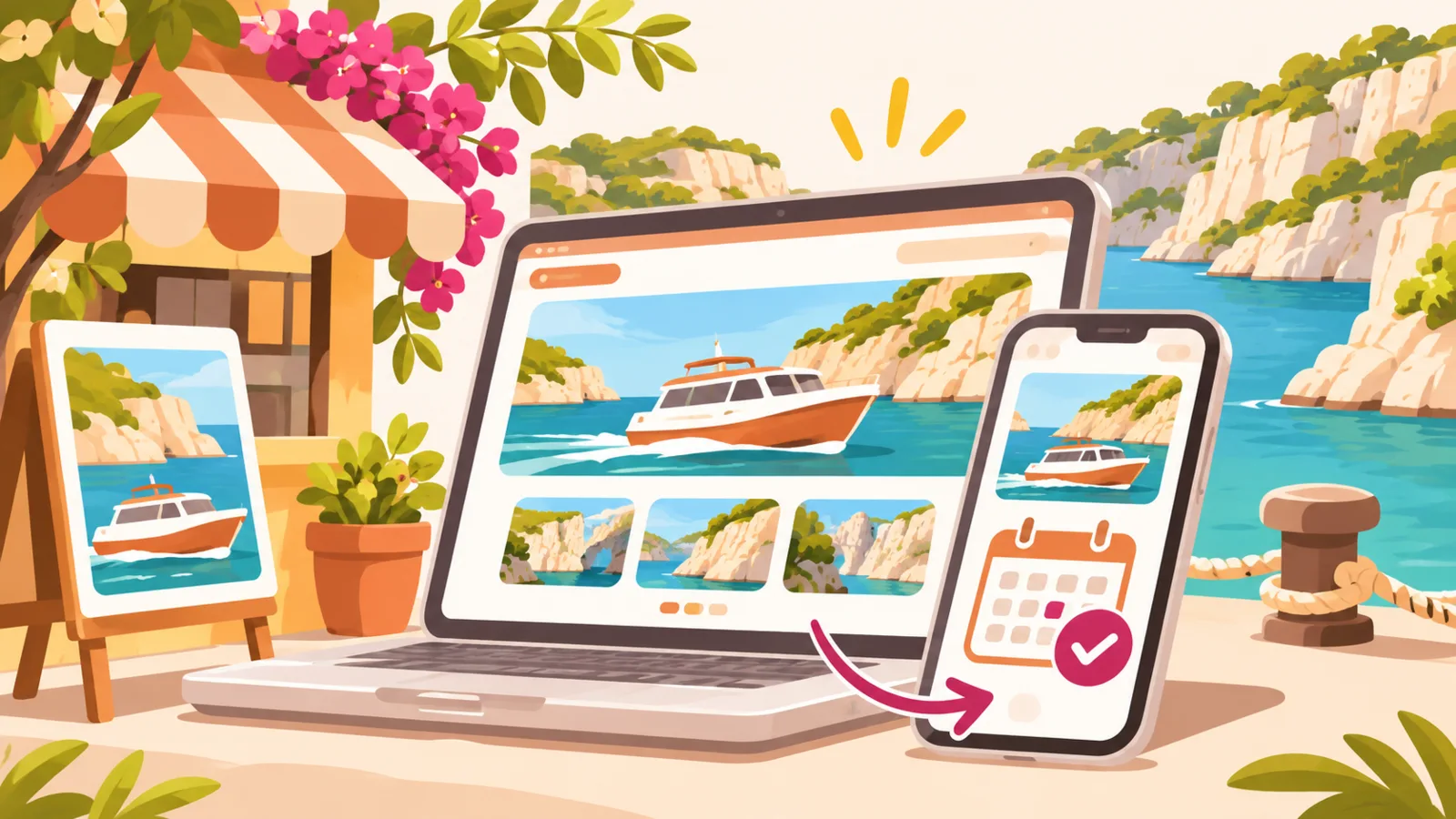
For example, a shuttle to Porquerolles from Hyères can be presented as a transfer to a boarding point, if that is the service you offer. Make clear whether the boat ticket is included or must be purchased separately. For a trip to the Calanques of Cassis, say whether you provide only transport to the departure point or whether your offer includes other stops.
This distinction avoids misunderstandings and helps visitors compare offers.
Describe each excursion with specific details
For each destination, bring together useful information on one page or in an easy-to-read listing:
- Destination and route: locations served, any stops and the type of journey.
- Duration: estimated time in the shuttle and the total excursion duration, if known.
- Departure and pickup: exact address, meeting point, pickup area and instructions for finding the driver.
- Schedule: departure time, expected return and any seasonal variations.
- Group size: number of seats available and arrangements for a private trip, if applicable.
- Luggage and equipment: available space, items accepted and any restrictions.
- Price and inclusions: what the price covers, as well as any fees or tickets to arrange separately.
- Conditions: accessibility, minimum age or other requirements, only if they apply to your service.
Avoid vague phrases such as “full-day excursion”. A clearer example would be: “Depart from [location] at [time], transfer to [destination], return expected at [time]. Admission ticket not included.” Replace the fields with your verified information.
Make it easy to enquire or book
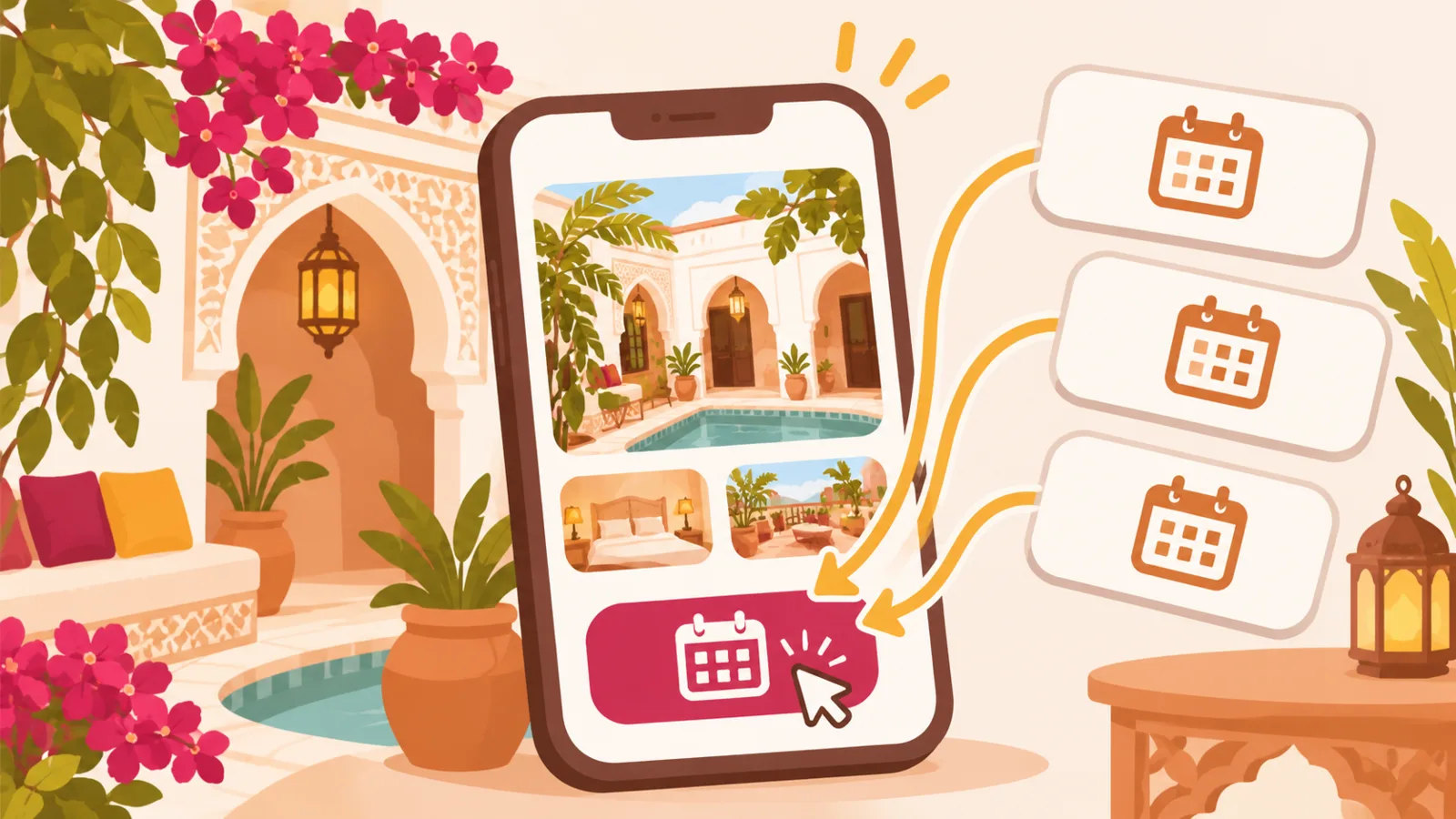
End each listing with a clear next step: ask about availability, ask a question about luggage or book a seat. You can direct visitors to a form, an external booking platform or another contact method you use. Explain what happens after someone gets in touch, such as confirmation of the departure or sharing the meeting point.
A mini-site page can bring together your main excursions, practical information and links to these external services. QLII helps you present your business and direct travellers to the pages or platforms where they can contact you or make a booking; the booking itself takes place on the relevant external service.
To help visitors find and trust your business, you can also keep your information up to date on Google Maps, and present your business on platforms such as Tripadvisor or Booking.com, depending on the services they offer in your area.
Keep international visitors in mind
Visitors from abroad may be looking for an excursion without knowing local place names or transport customs. Use clear reference points: the name of the train station or airport, the departure address, the town and the approximate journey time. If you welcome travellers in another language, say which languages you can use to reply or give instructions.
A map or directions link can complement the address. You may also want to explain how to identify the vehicle or contact the driver if they are delayed, where relevant to your arrangements.
FAQ
What should I say about luggage?
State the limits that actually apply: the number or size of bags, space for bulky equipment and whether travellers need to mention a specific requirement before departure.
How should I present a private trip?
Specify the group size, possible route, how to enquire and the factors that may affect the price or arrangements. Don’t promise an itinerary before confirming that it is feasible.
Should I display the price of the excursion?
If the price is fixed, display it along with what is and isn’t included. If it depends on the route or group size, explain how to request a quote and what information to provide.