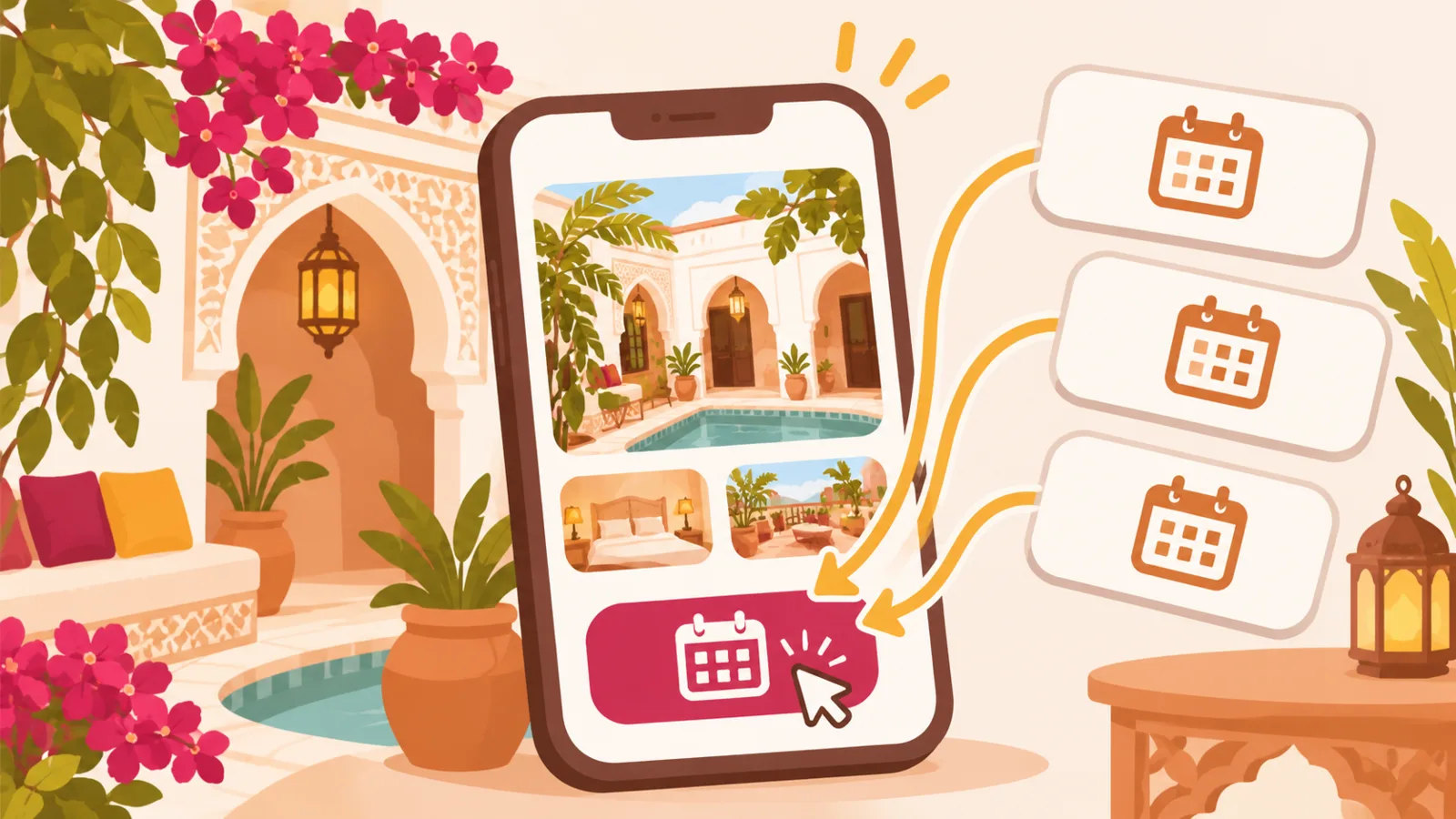
For a riad in Marrakech, being present on several booking platforms can help you reach travelers with different preferences. But if your links are scattered across social media, messages and your property’s website, visitors may be unsure where to check availability or make a booking.
Bringing these links together on a single page lets you introduce your riad and direct each visitor to the right booking channel. Bookings and availability management still take place on the platform they choose.
Why centralize your booking links?
A traveler might discover your riad on Instagram, hear about it through a recommendation or find it on Airbnb. They may then want to check available dates, compare conditions or find out how to get to the property. A well-organized landing page saves them from searching through multiple posts for the right links.
This is also useful when you share a single address in an email signature, on a business card or in a message sent before arrival. That address leads to an introduction to your riad and its different booking channels, without replacing the platforms themselves.
Which links should you bring together on your riad’s page?
Start with the channels you actually use, and keep only links that are up to date. Depending on your business, your page might include:
- Book on Airbnb, if your Airbnb listing is active;
- View the listing on Booking.com, Expedia or Agoda, depending on where you are listed;
- Read reviews on Tripadvisor, if you have a relevant listing there;
- Contact the property, using a contact method you check regularly;
- View practical information, such as check-in details or directions from a local landmark.
Don’t add a button that suggests availability is synchronized if visitors need to check it on an external platform. Labels such as “Check availability on Airbnb” or “View booking options on Booking.com” make the next step clear.
Introduce your riad before directing visitors to a platform
Travelers may not be familiar with the neighborhood, the layout of a riad or local customs. A few practical details can help them choose the right accommodation before leaving your page.
Describe the rooms and stay conditions
Explain the differences between rooms or accommodations that matter to guests: capacity, bed arrangements, bathrooms, shared spaces and available amenities. Also specify rules that could affect a stay, such as check-in and check-out times, access arrangements or cancellation conditions. Details specific to each booking should remain consistent with the corresponding listing.
Choose accurate photos
Show the rooms and spaces guests will actually be able to access: a bedroom, patio, terrace or shared areas, as applicable. Recent, representative photos help avoid misunderstandings. If a feature varies from one room to another, say so rather than suggesting that all the rooms are the same.
Explain where the property is and how to get there
In Marrakech, getting to a riad may require a little extra explanation, particularly if vehicles cannot reach the door. Explain how to find the entrance from a well-known landmark, and send detailed directions before arrival. You can also describe the surrounding area and nearby activities, without promising precise travel times if they vary by route or conditions.
Organize information for international travelers
Visitors planning their stay from abroad need clear, easy-to-understand guidance. Use simple labels, avoid local abbreviations and, if you welcome guests who speak different languages, provide translations of the essentials: address, directions, hours, amenities and stay conditions.
You can group practical questions in a short section:
- From what time can guests check in?
- How should guests contact the property if they arrive late?
- Where is the entrance, and which route should they take?
- What time must guests check out?
- Where can they find the rules and conditions that apply to their booking?
For payment, state the exact arrangements for the stay and check that they match the information on the booking channel. Don’t assume that travelers have seen the same information on all your profiles.
Adapt your links to the season and check that they work
Availability and conditions may vary by season. Before a busy period, check that each button leads to the right listing and that essential details are consistent between your page and the platforms. Remove or fix links to a suspended listing, a room that is no longer available or outdated conditions.
Regular checks are especially useful if you change your rates, check-in rules or available accommodations. After each update, open the links as a traveler would, on both a phone and a computer, and make sure the destination page is easy to understand.
A single page as a starting point
A mini-site page can bring together your riad’s introduction, practical information and buttons linking to Airbnb, Booking.com or other platforms where you have a listing. For example, a traveler can first explore the rooms and find out how to get to the property, then choose where to check availability and make a booking.
With QLII, this page helps you bring together links to your services and external platforms. It does not replace their booking tools: travelers make their reservation on the channel you direct them to.
The key is to offer a small number of relevant links, with clear labels and consistent information. Visitors can then understand where to learn about your riad, where to check availability and how to prepare for their arrival in Marrakech.