A pizzeria doesn’t need a complex website to be useful. Customers mainly want to know what’s on the menu, when they can visit and how to find the restaurant. An affordable restaurant website can bring this information together and direct customers to the external services the business already uses.
The information to feature first
Start with the details that help customers make a quick decision:
- The menu: pizzas, house specialties, meal deals, vegetarian options and prices. If the menu changes often, include the date it was last updated or note that prices may change.
- Opening hours: distinguish opening days from service hours, and clearly state any days when you’re closed.
- Address and directions: add the full address, useful directions and a link to the location on Google Maps.
- Ordering options: state whether the pizzeria offers takeaway or delivery and, if applicable, which areas it serves.
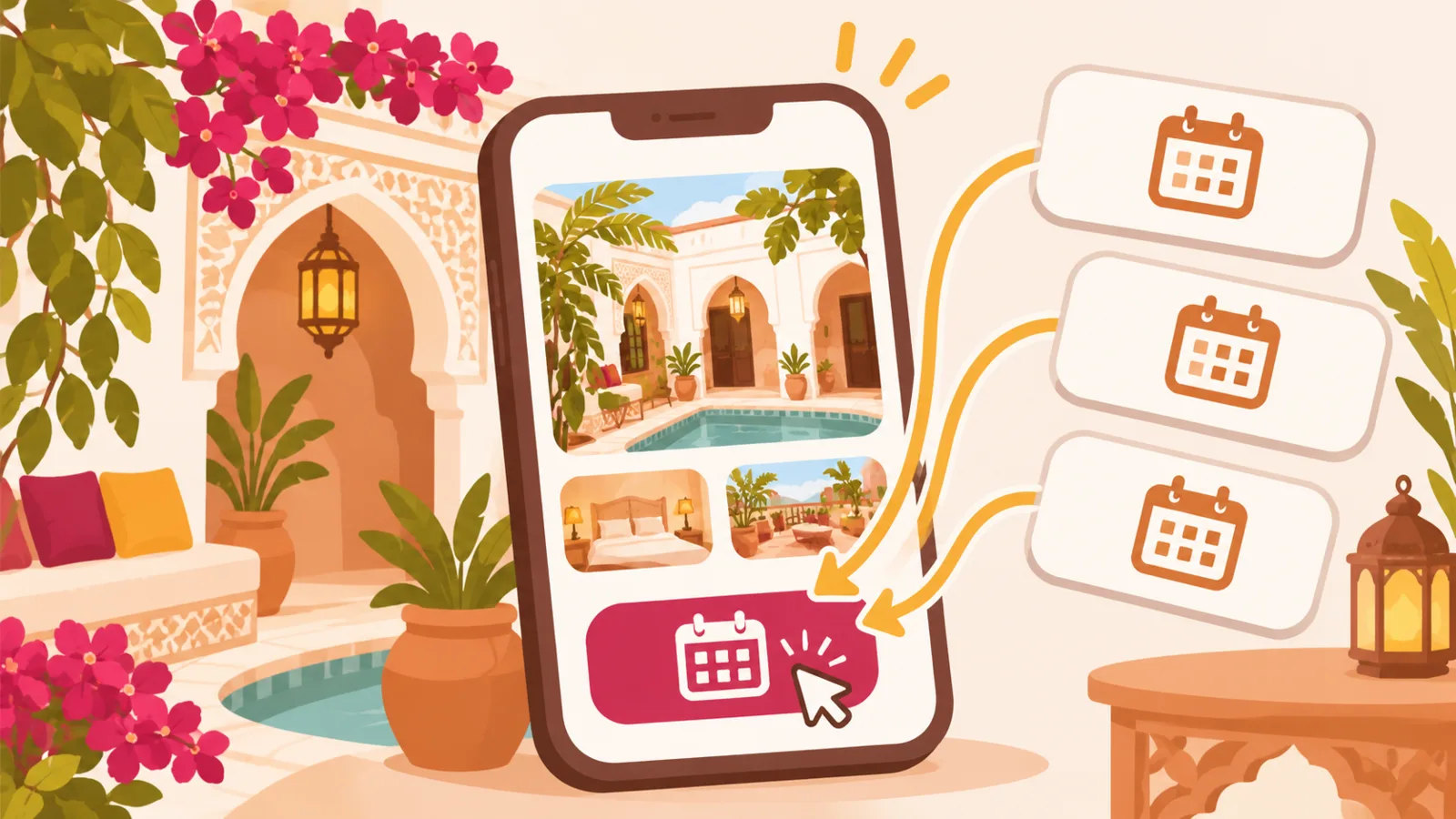
- Reservations: if you already use a booking service, add a direct link to it.
For example, a neighborhood pizzeria could highlight its lunch deals, service hours and directions to the restaurant. A pizzeria near a tourist attraction could also describe its specialties in a few simple words and list the languages spoken if that would help visitors.
Make ordering easy without adding more tools
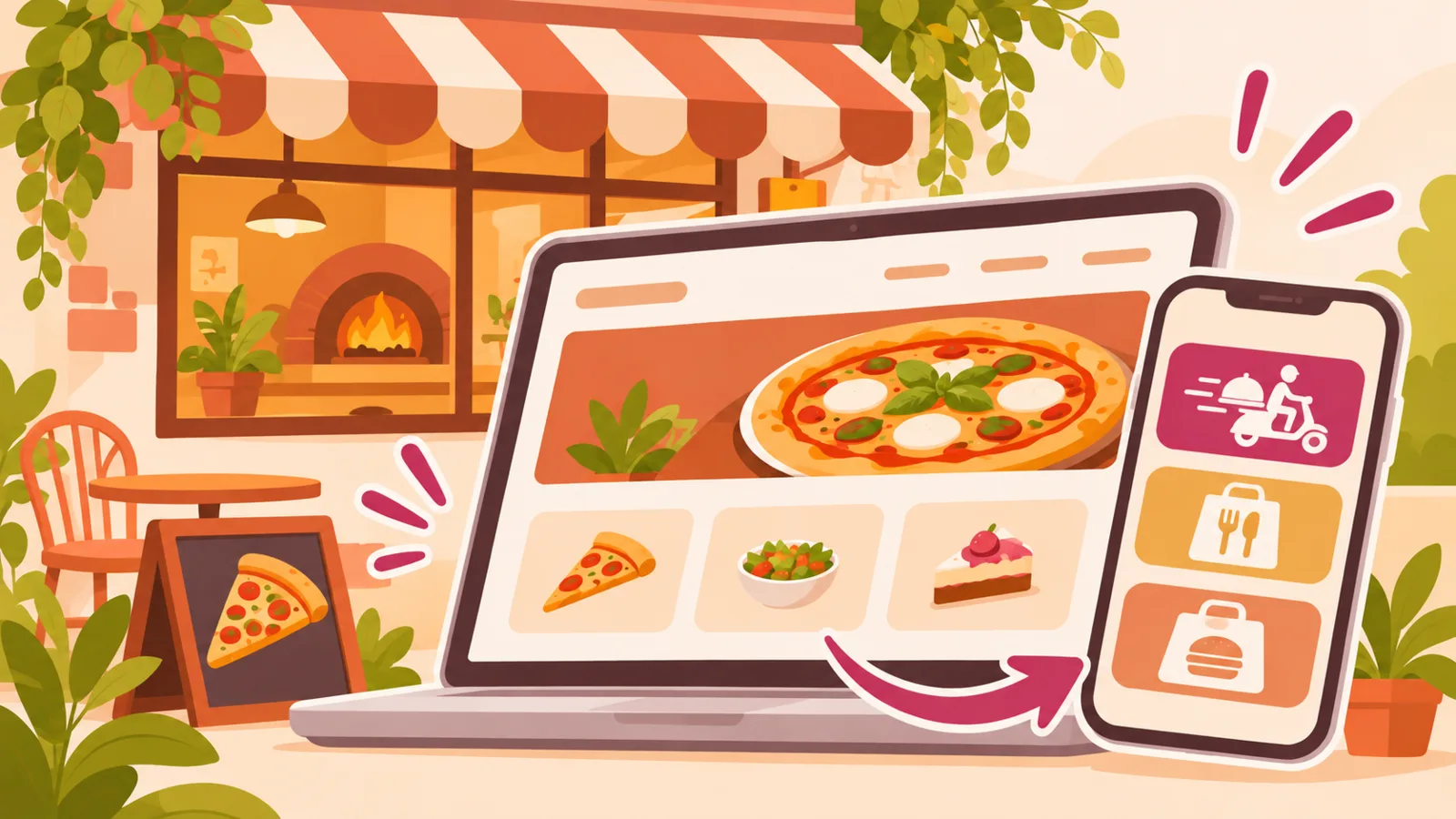
Your website can be a starting point even if orders are handled elsewhere. If your restaurant is on Uber Eats, Deliveroo or Just Eat, you can direct visitors to your page on the relevant platform. For takeaway, clearly explain what to do: call, order at the counter or place an order through an external service.
Don’t suggest that customers can order online if there’s no working link to do so. Also check that the menu and prices on your website match those on the platforms you use.
Choose a simple website that’s easy to maintain
Before choosing a solution, make a list of what your pizzeria actually needs. If your goal is to display the menu, opening hours and address, then direct customers to an existing ordering or booking platform, a mini-site may be enough. That way, you won’t pay for features you don’t use.
QLII lets you create a mini-site with links to external services. It doesn’t replace a booking or ordering platform; instead, it helps customers find the right information and access the services you already use. Plans range from €0 to €9.99 excl. VAT per month, depending on the plan. See QLII pricing.
Tailor the information to your customers’ habits
At lunchtime, customers in a hurry often look for a meal deal, service hours and a takeaway option. In the evening, they may want to browse the specialties, find the address or follow a booking link. Make this information easy to find, especially on a phone.
For a pizza food truck, the location may vary depending on markets or events. In that case, show the planned location and date, and update the details whenever they change. A link to your Google Maps profile or social media page can provide additional information, as long as you keep one source up to date.
One final check before sharing your website
Double-check the opening hours, address, prices and takeaway terms. Test every link on a phone: an ordering link that leads to an inactive page or incorrect directions can waste a customer’s time. Also consider visitors from abroad: simple labels, a full address and easy-to-understand practical information can make their visit easier.