How to organise all your business links on one page
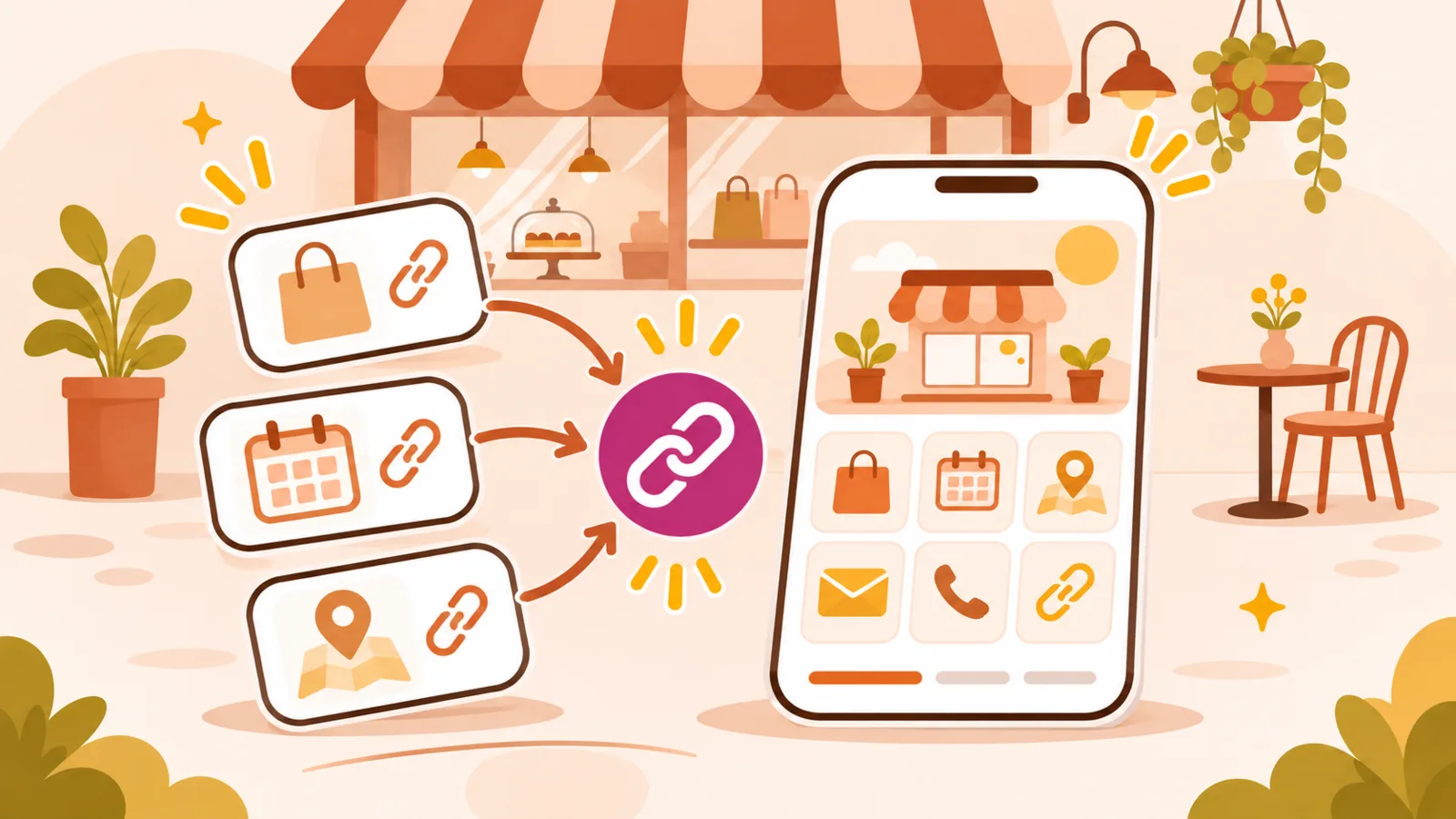
An independent business may use Instagram, a booking system, a menu, messaging apps and several partner platforms. Putting the links in one place can help, but twenty equally prominent buttons may only create another problem. A useful link page should guide visitors rather than simply collect URLs.
Decide on the main action
What should most visitors do first: book, request a quote, check services or call? Put that action near the top and describe it clearly. “Book a table” works better than “Link 3”. Other choices can follow without competing with the primary purpose.
Organise by what people need
Think about practical details, contact options and social content as separate groups. Someone checking opening hours should not have to scroll past three social channels. Even on a small page, a thoughtful order can create a much clearer path.
Reduce unnecessary choices
More links do not always mean better service. Ask which destinations genuinely help customers and remove those that have become irrelevant. Five useful links may be plenty for a small business. QLII's Free plan supports up to five links; remember to check its other feature limits too.
Write labels that explain the destination
Avoid “Click here” or a platform name without context. Use “View the menu”, “Request a quote” or “Get directions”. Ask someone unfamiliar with your business whether they can understand each button without further explanation.
Keep the list alive
When a booking provider or contact method changes, update the destination instead of leaving a broken link. Regularly check hours and contact details as well. A good page should evolve with the questions customers ask.
Five-point check
- One clear primary action.
- Labels that describe the next step.
- No unnecessary duplicates.
- Links tested on mobile.
- One stable address to share.
Compare approaches to link-in-bio pages and mini-sites. The goal is simple: make the right information easy to find, not show off how many tools you use.