Why create a link-in-bio page as a blogger?
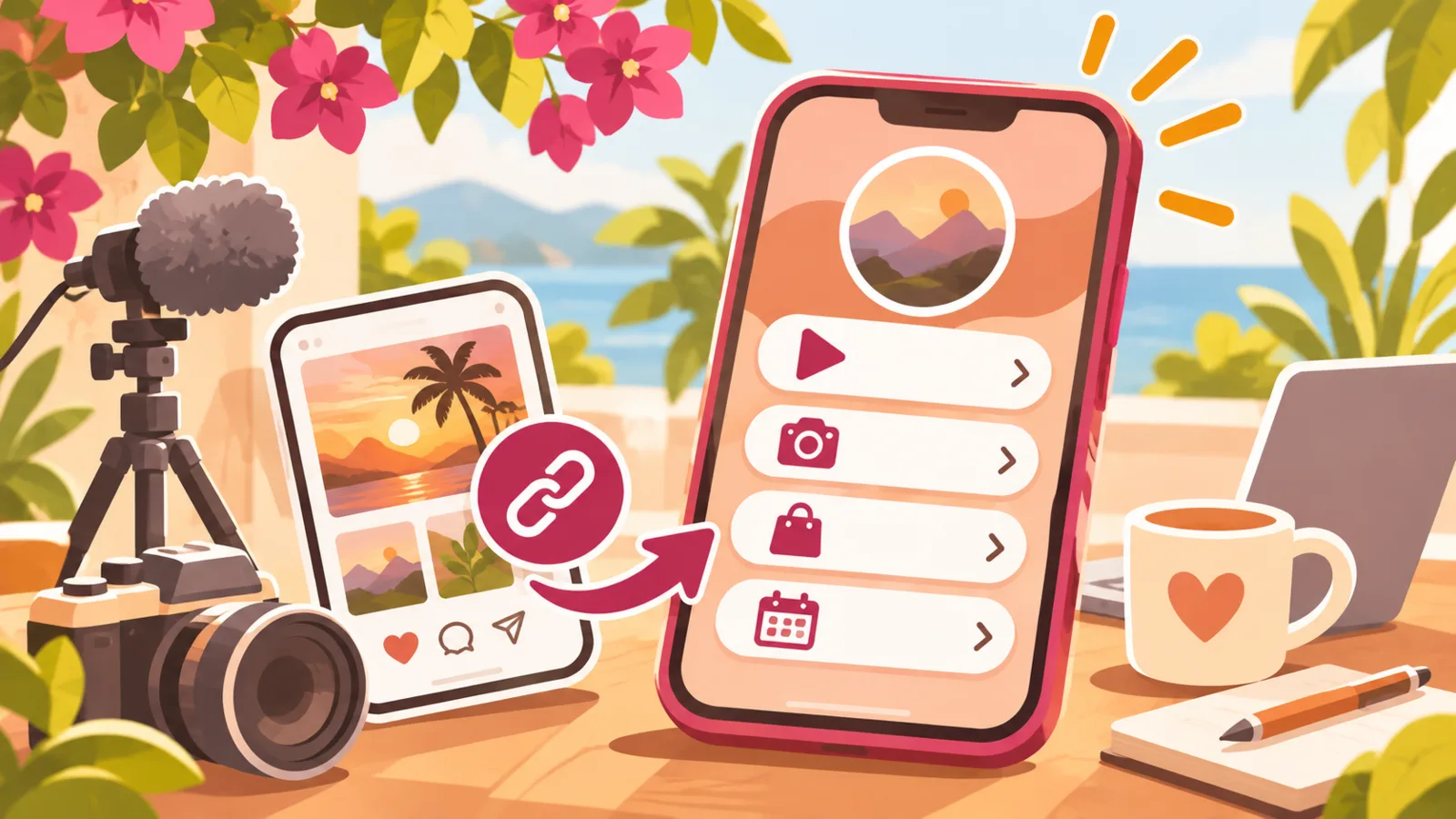
Your audience might discover you on Instagram, watch your videos on YouTube, follow your short-form content on TikTok or read your newsletter on Substack. A link-in-bio page brings useful destinations together in one place that you can share from your profiles.
It can also be a point of reference for brands interested in a partnership and for followers looking for your official account or latest post. Instead of adding a different link each time, you can update one central page to reflect what you’re working on.
Linktree or a mini-site: which should you choose?
Linktree is a well-known way to bring several links together. A mini-site, like the one you can create with QLII, can also centralize links to external destinations. The advantage is that you don’t have to treat your page as just a list: you can give your links context and introduce your creator business alongside them.
The difference isn’t simply about the number of buttons. Instead, ask yourself whether your page only needs to direct visitors to a few profiles, or whether it should also explain who you are, what formats you publish and how to contact you. Choose the option that suits this purpose, your identity and how easily you want to be able to update it.
What to include on your page
A short introduction and an editorial focus
Use one or two sentences to explain what you publish and who your content is for. For example: “I share approachable plant-based cooking and a new recipe every week.” This helps someone arriving from a video or post quickly understand what you’re all about.
Your main platforms
Highlight the social networks and services you actually use. Depending on your work, your links might point to Instagram, YouTube, TikTok, Patreon, Ko-fi or Substack. Make it clear what people will find behind each link: “Watch my long-form videos on YouTube” is more informative than “YouTube” on its own.
Put the platform where you share your main format first. A video creator who mostly publishes tutorials might prioritize YouTube; a blogger with a newsletter might put Substack front and center.
A selection of recent content
Your profile gives people access to your platforms, but your page can also direct visitors to a particular post or ongoing series using external links. For example, a travel blogger might feature their latest travel story, while a food creator could share the recipe mentioned in their latest video.
Refresh this selection when a piece of content is no longer relevant. A page that points to an old announcement or a post that can’t be found gives the impression that it’s been neglected.
A professional contact and partnership inquiries
Include a clear way for people to contact you about collaborations, separate from your conversations with the community if needed. You can add a link to your professional email address, an external form or a media kit hosted elsewhere. Specify the types of inquiries you accept, such as editorial partnerships or campaign proposals.
QLII is used to present a page and direct visitors to external services: your media kit, form and other tools remain hosted on their respective services.
A place for your community to connect
If you use Patreon or Ko-fi, explain what followers will find there: support for your work, exclusive content or a community, depending on what you actually offer. Don’t let a platform name stand in for a clear explanation.
A simple structure that’s easy to maintain
An effective structure could follow this order:
- Your name or creator name and a brief introduction.
- A link to your main format or platform.
- Your latest content or update.
- Other useful platforms.
- Links for your community and partners.
This isn’t a fixed rule. If growing your newsletter is a priority, put the sign-up link higher up. If you’re announcing a new format, make the relevant link easy to spot, then replace it when the announcement is no longer current.
Before sharing your link in bio
Check your links on a phone, since many visitors will open them directly from a social media app. Make sure the labels are easy to understand, external pages are accessible and your contact information is up to date.
Also consider how well your page matches your profiles: the same name, consistent visual cues and a similar editorial promise. A link-in-bio page doesn’t replace your content; it helps visitors quickly find the right next step.
FAQ
What should you put first on a link-in-bio page?
Highlight the action that best supports your current goal: discovering your main format, reading your latest post or joining your newsletter. You can change the order as your priorities shift.
Should you put all your links on the page?
No. Keep the links that are genuinely useful to your audience or partners. A short, clearly labeled selection is often easier to browse than a list of profiles and content with no context.
Can a link-in-bio page help with partnerships?
Yes. It can direct brands to your professional contact details and to a media kit available through an external service. Label these links clearly so they aren’t confused with resources for your community.